Products
LED Strips
LED strip lights for Singapore homes: under-cabinet, cove, TV backlight, and accent lighting in SMD, COB, RGB, and smart variants.
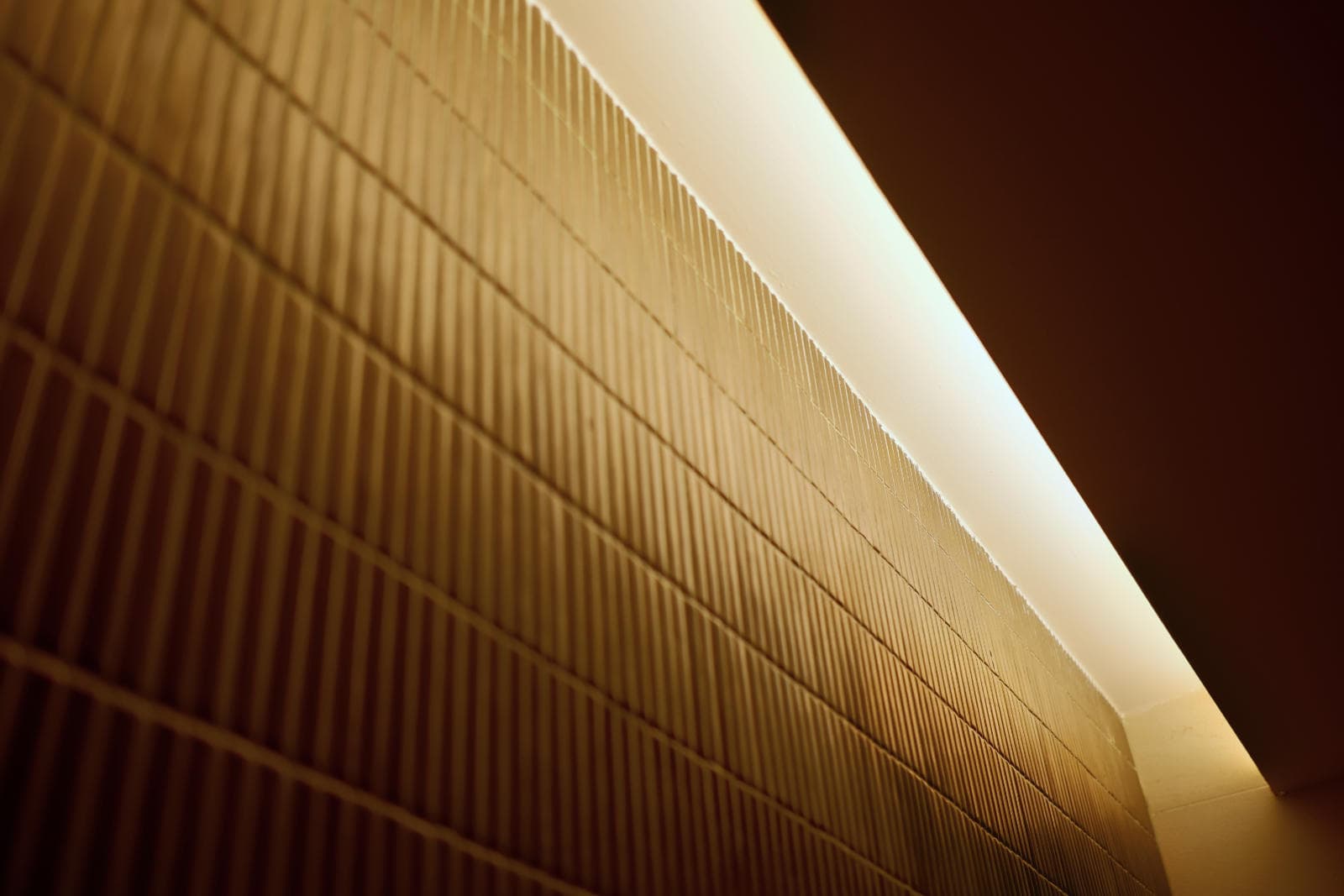
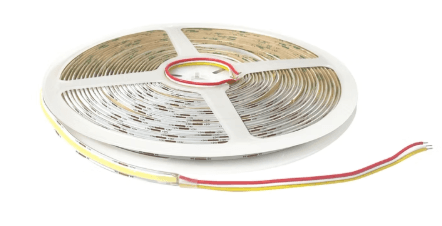
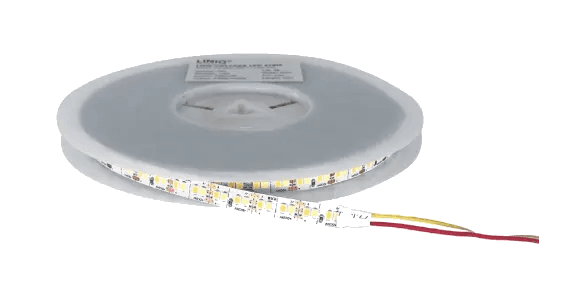
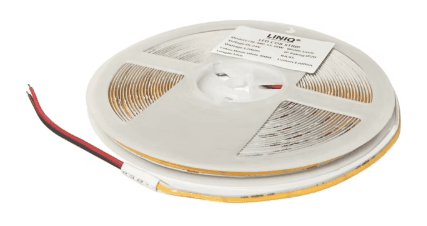
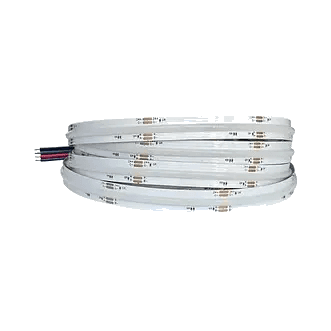
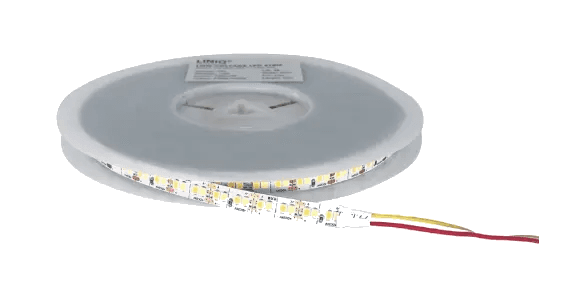
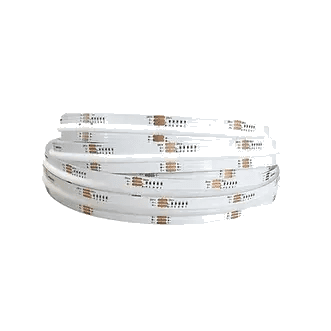
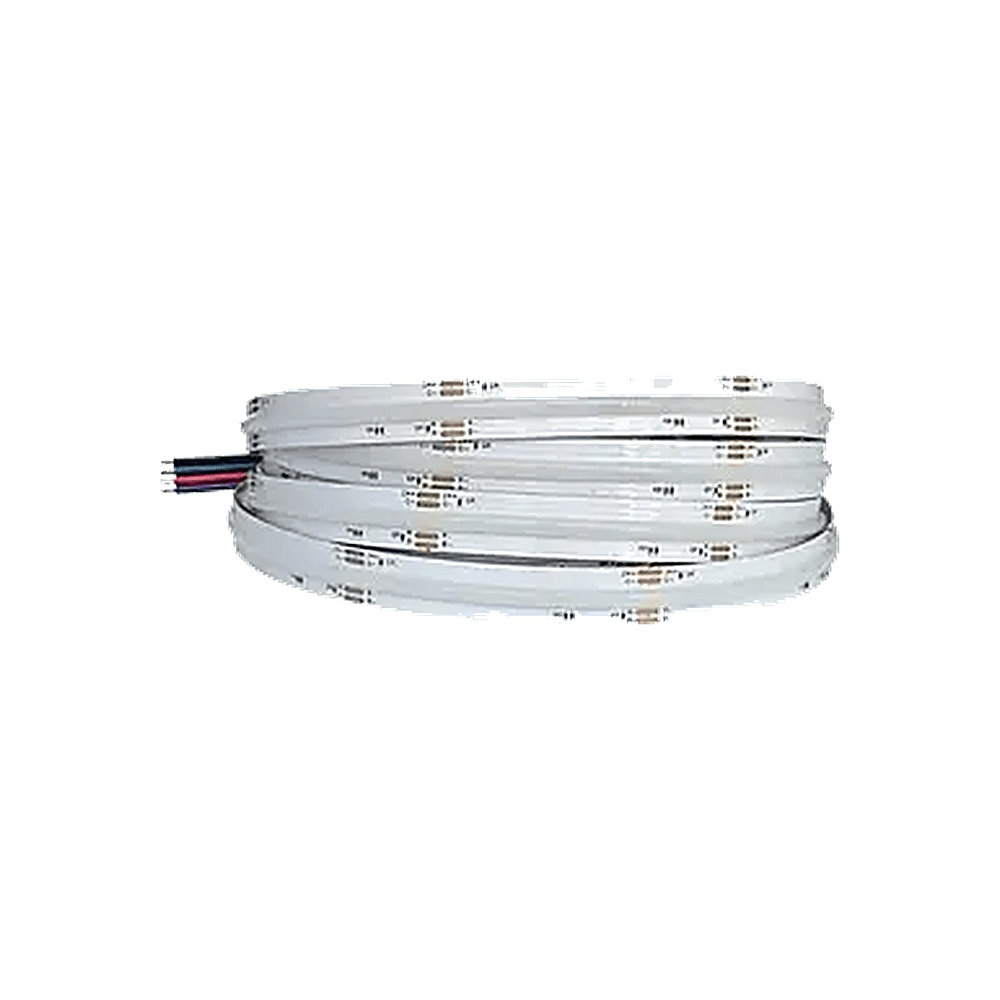
LED strip lights are the most versatile lighting product in a Singapore home. A single roll can serve as under-cabinet task lighting in the kitchen, ambient cove lighting in the living room, accent lighting behind a TV console, or staircase safety lighting — all in a flexible, low-profile format. At Sonnelight, we stock the full range of LED strips: standard SMD strips for general task and accent use, COB strips for seamless cove installations, RGB and RGBW colour-changing strips for entertainment areas, and smart WiFi-controlled strips with app dimming, scheduling, and tunable colour temperature. Whether you are outfitting a new HDB BTO flat or adding accent lighting to a condo, we carry the strip and the expertise.
Types of LED strips we carry
SMD LED strips are the standard flexible strip — a row of individual LED chips on an adhesive-backed tape. You will see the individual LED dots when the strip is exposed, which is fine for concealed installations like under cabinets and inside wardrobes. Available in 2700K through 6500K and various LED densities. SMD strips are the most affordable option and the most common choice for general task and accent lighting in Singapore homes.
COB LED strips (chip-on-board) pack the LEDs so densely that the light output is a continuous, even line with no visible dots or hotspots. This makes COB the right choice for exposed installations and cove lighting where the light source is visible, either directly or reflected on a ceiling. COB strips cost more per metre than SMD but deliver a noticeably cleaner look. For HDB cove ceilings, COB is now the standard recommendation.
RGB and RGBW strips add colour-changing capability — millions of colour combinations controlled via a remote or app. RGBW adds a dedicated white channel for better everyday white light alongside the colour modes. Popular for entertainment rooms, gaming setups, and feature walls.
Smart LED strips connect to your home WiFi or Zigbee/Matter hub for app and voice control. Features include tunable colour temperature (switch between 2700K and 6500K from your phone), scheduling, dimming, and scene presets. Smart strips are the fastest-growing segment in LED strip sales. Look for Matter compatibility for long-term ecosystem flexibility and check dimmer protocol compatibility before purchase.
How to choose
Start with the application. Under-cabinet kitchen lighting needs a neutral 4000K with at least CRI 90 for accurate food colour. Cove lighting works best at 3000K warm white. TV backlighting can be RGB or a simple 3000K warm strip.
Length and voltage affect your planning. 12V strips suit short runs under 3 metres. For longer runs — typical in HDB cove lighting — always use 24V to avoid voltage drop and uneven brightness at the far end.
LED density determines smoothness: 60 LEDs per metre is standard, 120 per metre gives a more even output, and COB is effectively continuous. Higher density costs more but matters when the strip is visible.
CRI (Colour Rendering Index) measures colour accuracy under the light. Aim for CRI 80 minimum, CRI 90+ for kitchens and anywhere colour matters.
IP rating matters for kitchens and bathrooms. IP20 (no water protection) is fine for dry areas. IP65 or IP67 for areas near water.
For smart strips, decide on your ecosystem first — whether you use Apple Home, Google Home, or Amazon Alexa. Matter-compatible strips work across all three and are the safest long-term choice.
Frequently asked questions
LED strip vs cove lighting — what is the difference? A cove light is an LED strip hidden inside a recessed ceiling ledge. The strip is the light source; the cove is the installation style. Read our detailed comparison in our LED strip vs cove lighting guide for the full breakdown.
Do LED strips need a transformer? Yes. LED strips run on low-voltage DC (typically 12V or 24V), so they need a driver to convert from Singapore's 230V mains. The driver size depends on the strip length and wattage per metre. Always size the driver with 20% headroom above the strip's total wattage.
Can I cut LED strips to length? Yes — LED strips have marked cut points, usually every 3 LEDs (roughly every 5cm). Cut only at these marks. Once cut, the unused section needs a new power connection to work.
Smart LED strip — is it worth it? If you want to change colour temperature, set schedules, or control from your phone, yes. Smart strips cost roughly 30–50% more than their non-smart equivalent. For cove lighting in a living room or entertainment area, the upgrade is worthwhile.
LED strip prices
SMD strips start at $13 and COB strips at $17, in 2700K, 3000K, 4000K and 6000K whites, tunable white or fixed colours. COB white comes in 5mm and 8mm widths. Colour-changing 5m rolls cost $129 for RGB, RGBW or tri-colour white, and $199 for RGBWY.
Every strip needs a driver. Our standard drivers cost $35 (60W), $45 (100W), $60 (200W) and $79 (300W). For app and voice control, the Aqara Driver T1 Pro is $99 and the Aqara Driver T2 is $119 to $139.
Ceiling and cove LED strips
In a ceiling cove, pelmet or L-box, the strip is hidden and you only see the glow it throws onto the ceiling. That is where a budget SMD strip works well, because its individual dots are out of sight. Use COB when the strip or its reflection can be seen, for example in a shallow cove, on a glossy ceiling or near a mirror.
Warm 3000K suits living rooms and bedrooms; 4000K suits kitchens and study areas. If you want to change the mood through the day, a tri-colour or tunable white strip switches between warm and cool.
Cabinet, shelf and joinery lighting
Under kitchen cabinets, inside wardrobes and along display shelves, the strip is often in direct view, so COB is the better choice: it gives a continuous line of light with no dots. The 5mm COB suits narrow aluminium profiles and shallow joinery grooves.
Agree the power point and driver position with your carpenter before the joinery is built, and leave access to the driver so it can be serviced later.
How to size the driver
Add up the wattage of every strip on the driver, then choose a driver with at least 20% spare capacity. A 45W load needs the 60W driver; a 90W load should go on the 200W rather than the 100W. For runs longer than about 5m, feed power from both ends or split the run across two drivers so the far end does not dim. Send us your run lengths and we will size it for you.
Interested in LED Strips?
Contact us for specifications, pricing, or to see samples at our showroom.